Step-by-step guide to unlocking your Firestick for IPTV streaming.
📋 Table of Contents
Why the Amazon Firestick is Perfect for IPTV
If you have recently cut the cord and are wondering how to setup IPTV on Firestick 2026, you have made a great choice of hardware. The Amazon Fire TV Stick (especially the 4K and 4K Max models) remains the most popular, affordable, and powerful streaming device for IPTV.
Because the Firestick operates on an Android-based operating system, it allows you to "sideload" third-party applications. This means you aren't restricted to just the official Amazon Appstore. You can install powerful media players specifically designed to handle live TV playlists smoothly.
How to Setup IPTV on Firestick 2026: 4 Easy Steps
Follow these steps exactly. You will need your Firestick remote, an internet connection, and the login credentials provided by your IPTV service provider.
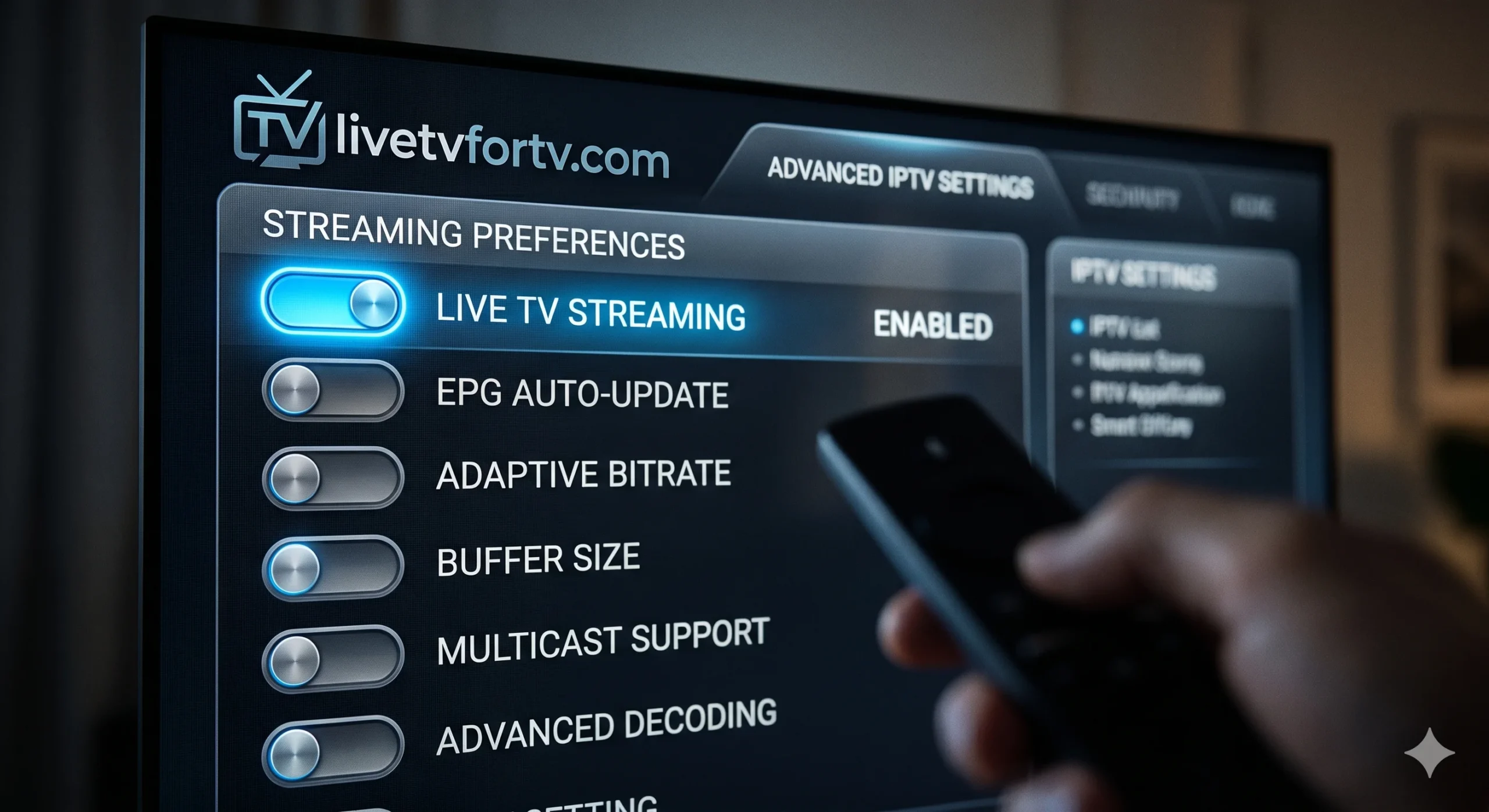
Navigating to Developer Options to enable Apps from Unknown Sources.
Enable "Apps from Unknown Sources"
Before we can install an IPTV player, we have to tell the Firestick to allow third-party apps.
- Go to the Home Screen on your Firestick.
- Scroll right and select the Settings (Gear Icon).
- Click on My Fire TV.
- Select Developer Options. (If you don't see this, click 'About', then click on your device name 7 times to unlock it).
- Turn ON Apps from Unknown Sources.
Install the Downloader App
Since IPTV players are usually not in the official Amazon store, we need an app called "Downloader" to fetch them.
- Go back to the Home Screen and click the Find (Magnifying Glass) icon.
- Search for "Downloader".
- Select the orange app named Downloader and click Download/Get.
- Once installed, click Open and click "Allow" when it asks for permissions.
Download Your IPTV Player
Now we will use Downloader to install your media player. We highly recommend IPTV Smarters Pro for beginners.
- Open the Downloader app.
- Click on the URL search bar in the middle of the screen.
- Type in the downloader code for IPTV Smarters Pro (your IPTV provider will usually supply you with a specific shortcode or URL, e.g.,
firesticktricks.com/smarter). - Click Go. The app will download.
- When prompted, click Install.
Enter Your Subscription Details
The final step is connecting the player to your actual TV service.
- Open IPTV Smarters Pro from your apps menu.
- Select "Login with Xtream Codes API" (This is the easiest and most common method).
- Enter any Name (e.g., "My TV").
- Enter the Username, Password, and Portal URL provided by your IPTV service.
- Click Add User. Your channels and TV guide will now load!
The Best IPTV Service to Use on Firestick
Now that you know how to setup IPTV on Firestick 2026, you need a reliable service to watch. A great player means nothing if the server providing the channels is constantly buffering.
A premium provider ensures zero buffering and a crisp 4K picture.
🚀 Pair Your Firestick with LiveTVforTV.com
For the absolute best Firestick experience, we recommend LiveTVforTV.com. Their servers are specifically optimized for Android and Fire OS devices, ensuring zero lag.
- Flawless integration with IPTV Smarters & Tivimate
- True 4K streaming without buffering
- Massive US, UK, and CA channel lists
- Instant setup instructions emailed after purchase
Troubleshooting & Frequently Asked Questions
Is it legal to setup IPTV on a Firestick?
Yes, installing an IPTV player (like Smarters Pro) on your Firestick is completely legal. The software itself is just a media player. The legality depends entirely on the copyright licensing of the content provided by the specific IPTV subscription you purchase.
Do I need a VPN when using IPTV on Firestick?
While not strictly required by all providers, using a VPN is highly recommended. It prevents your Internet Service Provider (ISP) from throttling your streaming speeds and secures your privacy.
Why is my IPTV buffering on my Firestick?
If you experience buffering, first try restarting your router and Firestick. If it continues, ensure you are connected to a 5GHz Wi-Fi network or use an ethernet adapter. If your internet is fast but it still buffers, the issue is likely a low-quality IPTV provider.
What is the difference between an M3U link and Xtream Codes?
An M3U link is a long URL containing your entire channel playlist. Xtream Codes API is simply a more organized way to log in using a Username, Password, and a shorter URL. Xtream Codes is much easier to type into a Firestick remote.